What smart control means
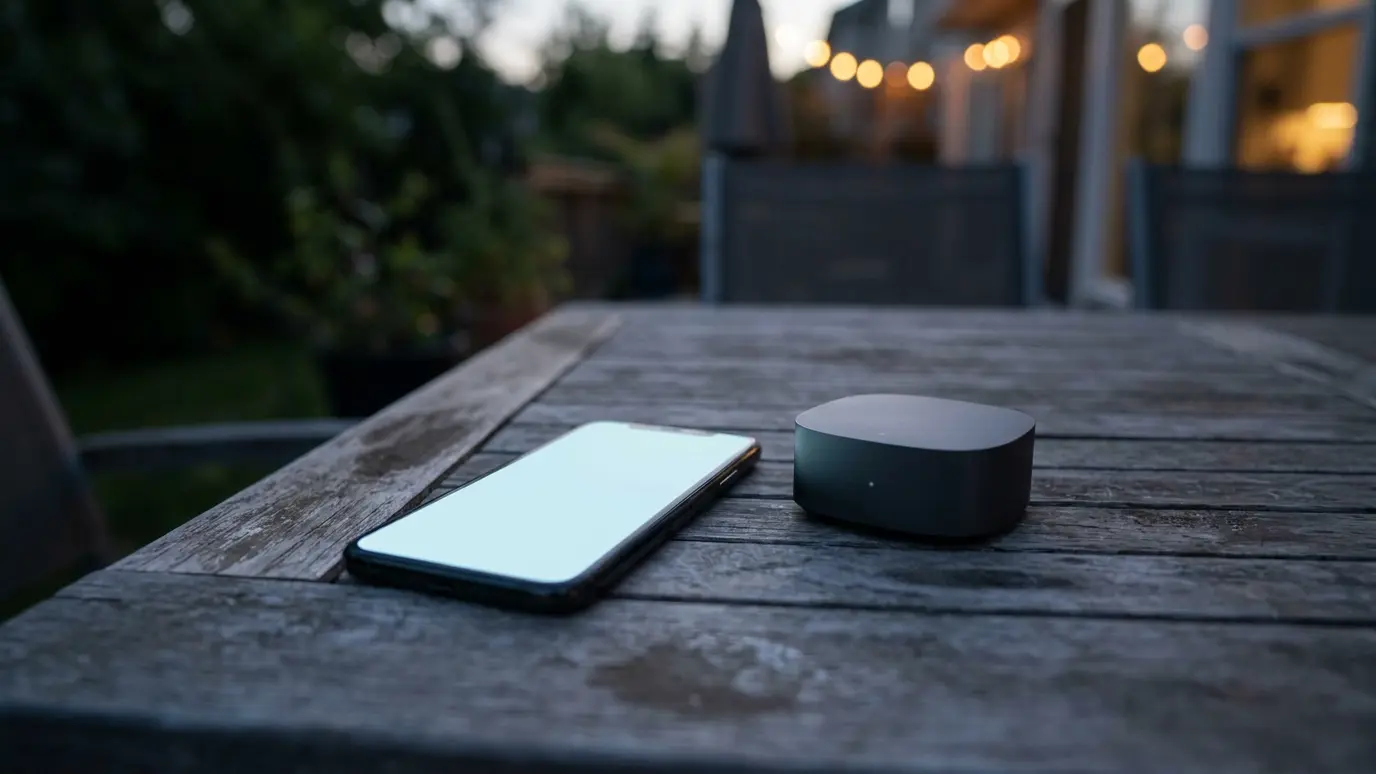
Smart control lets you raise and lower screens from a phone, a schedule or a voice command. The motor receives signals through a small hub on your network.
It adds convenience on top of normal remote control.
Check compatibility
Not every motor works with every system. Check your phone, voice assistant and home system before choosing.
We confirm compatibility before you order.
Schedules and scenes
A schedule can lower screens at dusk or raise them in the morning. A scene can set several screens at once for dinner or movie night.
Start simple and add scenes as you learn.
Sensors and automation
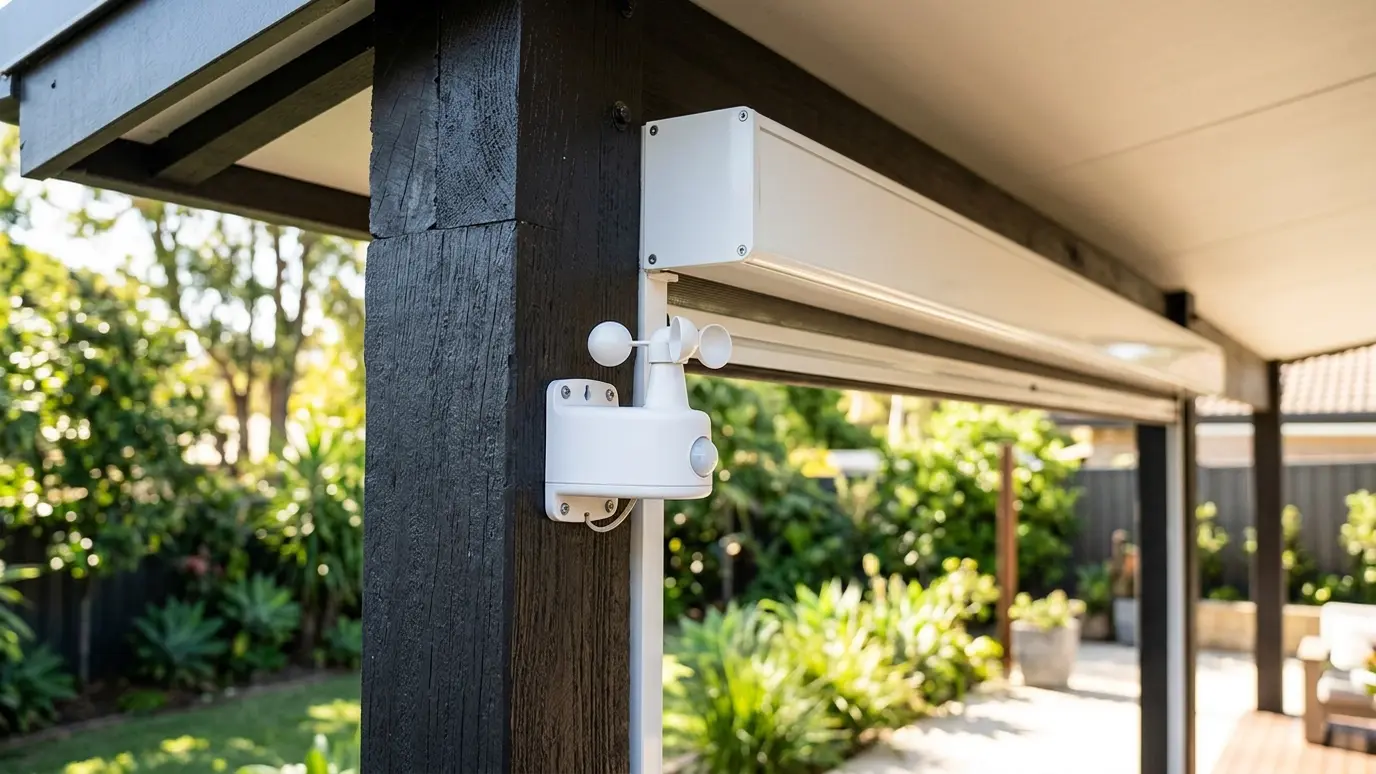
Wind and sun sensors can trigger screens automatically, with or without a hub. Smart systems can combine sensors with schedules.
Always keep manual override available.
Keep a local backup
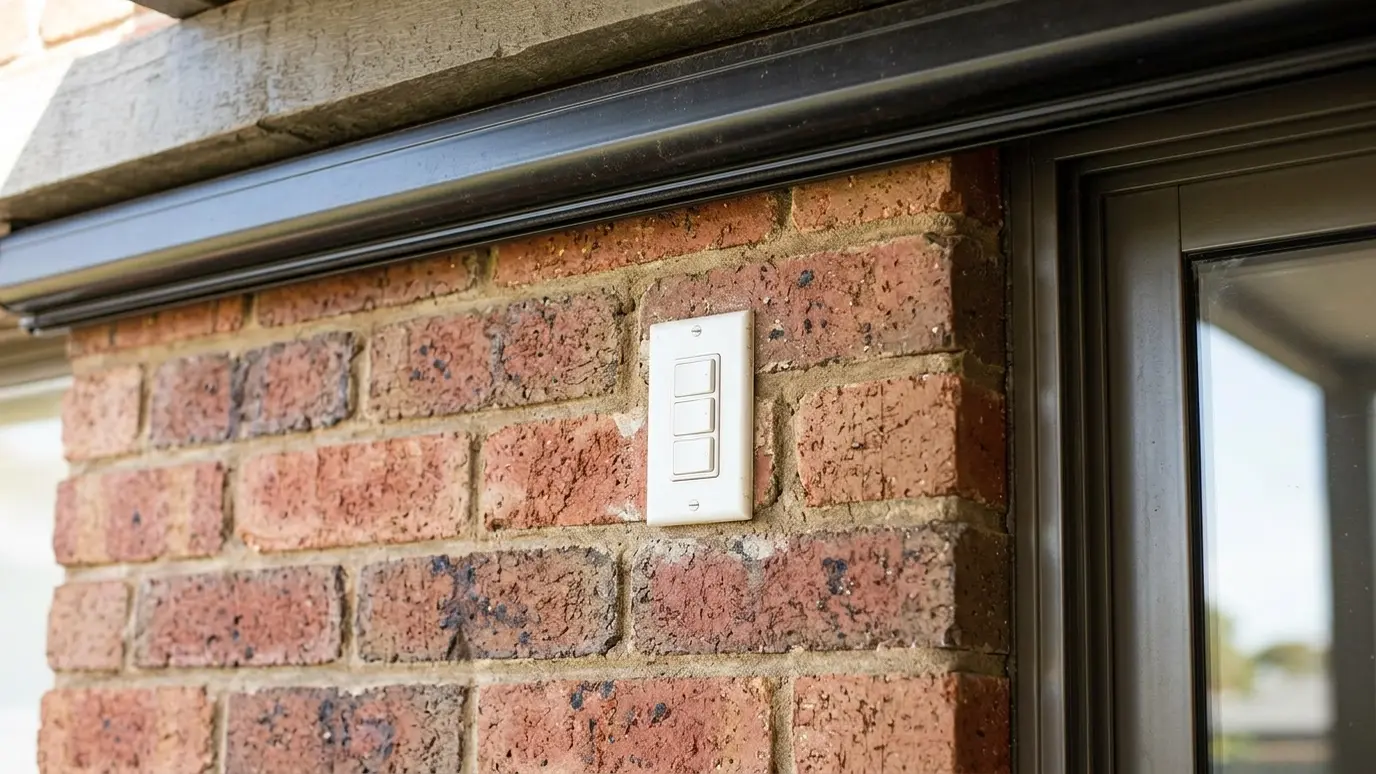
Apps and networks can fail. A remote or wall control keeps the screens working when the internet does not.
We always leave one.
Security and updates
Use strong passwords for your hub and keep its software updated. Treat it like any connected device.
We show you the basics.
Choose smart control for convenience, confirm compatibility first and always keep a local remote or switch.